CET244 (Web A.D) PPW2 Task and Submission

- Details
- Category: Level 2, Web Application Development
- Published: Tuesday, 02 February 2021 10:09
- Hits: 783
Task
CET244 Professional Practice Week 2
|
We envisage this assessment will take a maximum of 35 hours to complete.
Hand in by 6pm on Friday 17th May 2019 via canvas |
You are being assessed on the following learning outcomes:
Knowledge
- Appreciate the importance and context of UXD in the development of a modern web application
- Comparative knowledge of design and development techniques in web application development
Skills
- Create and configure data driven web applications using a web framework
- The ability to plan, develop and implement an integrated testing and evaluation strategy accounting for user experience, data integrity and performance issues using relevant web platform tools
Scenario
You recently applied for an internship with a web development company and you were offered the position.
The role was advertised as a junior full stack web developer and requires you to work across a range of tools and technologies to build web applications.
As part of your induction, you’ve been placed in the React team, where you will work on developing applications using HTML, CSS, JavaScript and the ReactJS framework.
Task 1
You receive an email from your line manager.
Hi
As you know from the morning briefing, the local council (cycle team) are wanting us to develop a prototype web application. The application should allow the public to report cycleway damage (potholes, graffiti, fly-tipping etc) and allow the maintenance crew to update the system with repair information. In essence, a CRUD application. I’d like you to develop a small prototype this week using ReactJS please. Use components to help make the app modular and flexible. Making the application easy to use goes without saying :) Feel free to use Bootstrap or another UI library if it helps.
Since we’ve been looking at PaaS (Firebase) I’d like you to use that to store all data, as we move from onsite database storage.
Public users should be able to record cycleway damage without signing in, but we’ll need to put some rules in place to prevent unauthorised visitors from viewing other users entries or maintenance crews updates.
Authentication/Authorisation should be incorporated using Google authentication, via Firebase, so council employees can review submissions and update repair status.
Create a test google account and use that for the project.
As you know from the previous projects, we’re very much working in an Agile environment now and using tools like Trello and Slack. So, with that in mind, I’d like you to use Trello to map out the basic user stories for the project with user acceptance criteria + functionality on the flip side of the card. Keep Trello updated throughout, so I can see progress with the project.
There are no team meetings this week, so the normal daily stand-up will be done electronically. On Tuesday, Wednesday and Thursday, send me a short screencast..
The usual format:
- Current progress (what I did yesterday)
- Plan for today
- Roadblocks - issues and how i’m addressing them + do I need anything to unblock?
- Include a short video showing status of software development in browser
- Walk through of trello board in current status!
No more than 5 minutes. I’ll review this mid morning and provide feedback if required.
I look forward to seeing the prototype.
Schedule
Monday 13th May - 9.30am (room to be advised via canvas)
Sprint planning and briefing Assessment released via canvas and tutor presentation.
Tutor acting as client/product owner, questions and discussion + student advised to break epic down into useful user stories following session.
Tuesday 14th May
Simulated daily stand-up video uploaded to canvas by 10am (max length 5 minutes)
Wednesday 15th May
Simulated daily stand-up video uploaded to canvas by 10am (max length 5 minutes)
Thursday 16th May
Simulated daily stand-up video uploaded to canvas by 10am (max length 5 minutes)
Friday 17th May 6pm
Submit final application to canvas as a ZIP file.
Feedback and marks
This assessment is worth 70% of the module mark.
Work will be marked and returned to you by the 14th June 2019. You will receive a feedback sheet and mark out of 100.
Core tasks allocated in the lab (5%)
PPW2 Task 1 (95%)
The work will be assessed by reviewing the screencasts, code and application in the browser.
Marks will be allocated for:
Planning and control of project 15%
(Use of Trello, Standup, Stories/Functionality/UAT)
Application Interface and Usability 10%
Application core functionality + ReactJS/Firebase 70%
Code should appropriately commented for review.
Submission
Daily Stand-Up Video
Core tasks allocated in the lab:
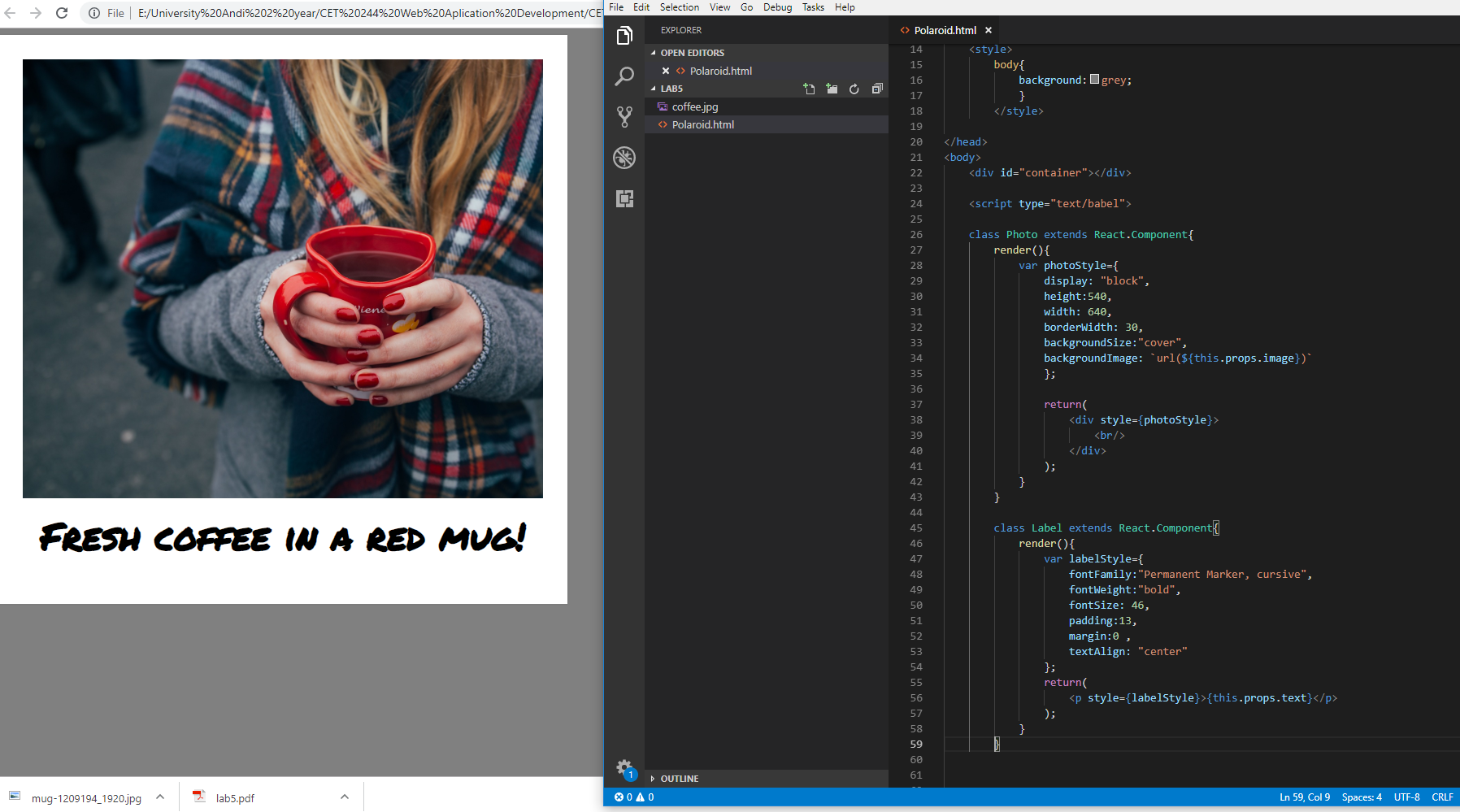
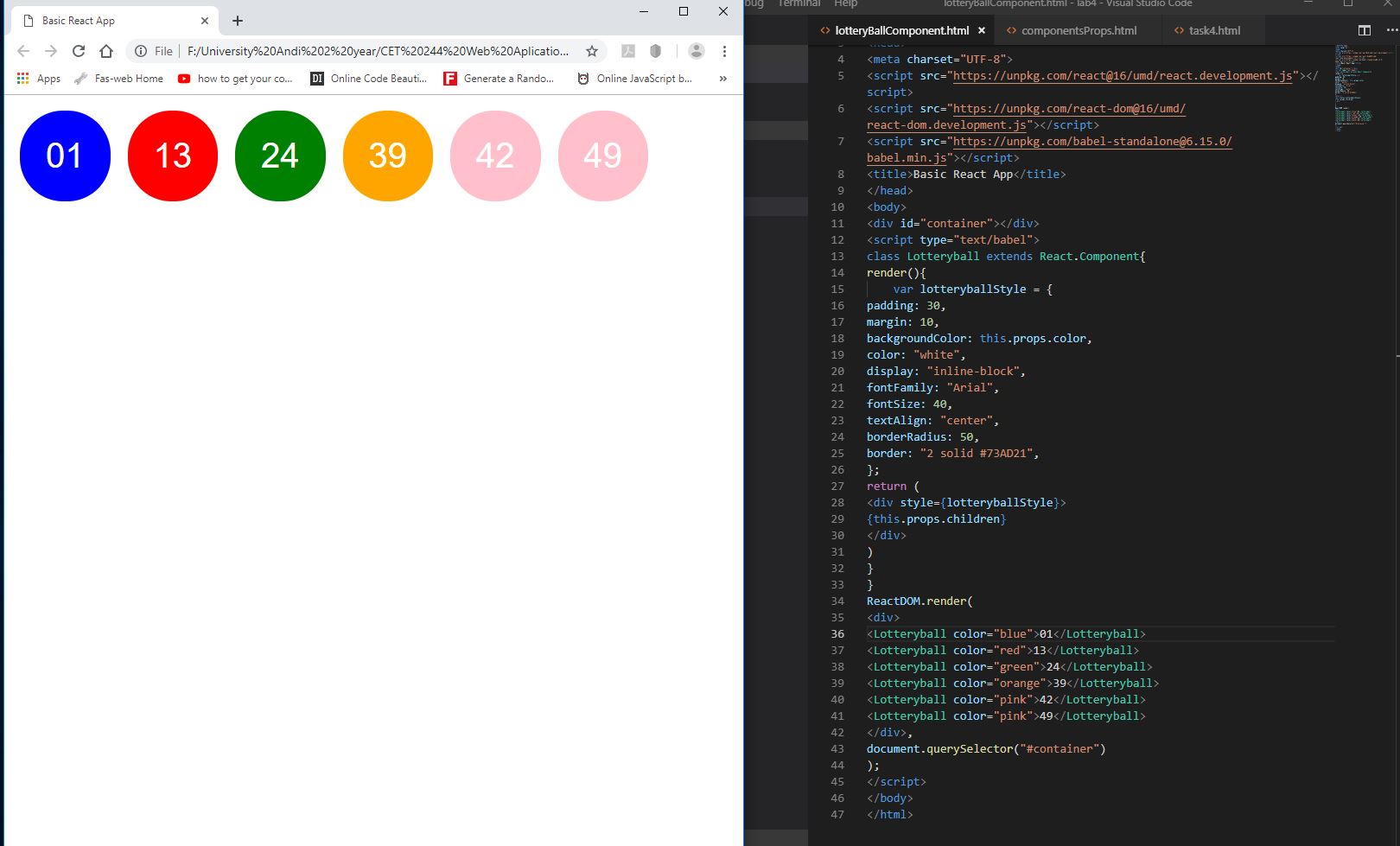
Basic MEME maker OR lottery ball generator
Complex Component
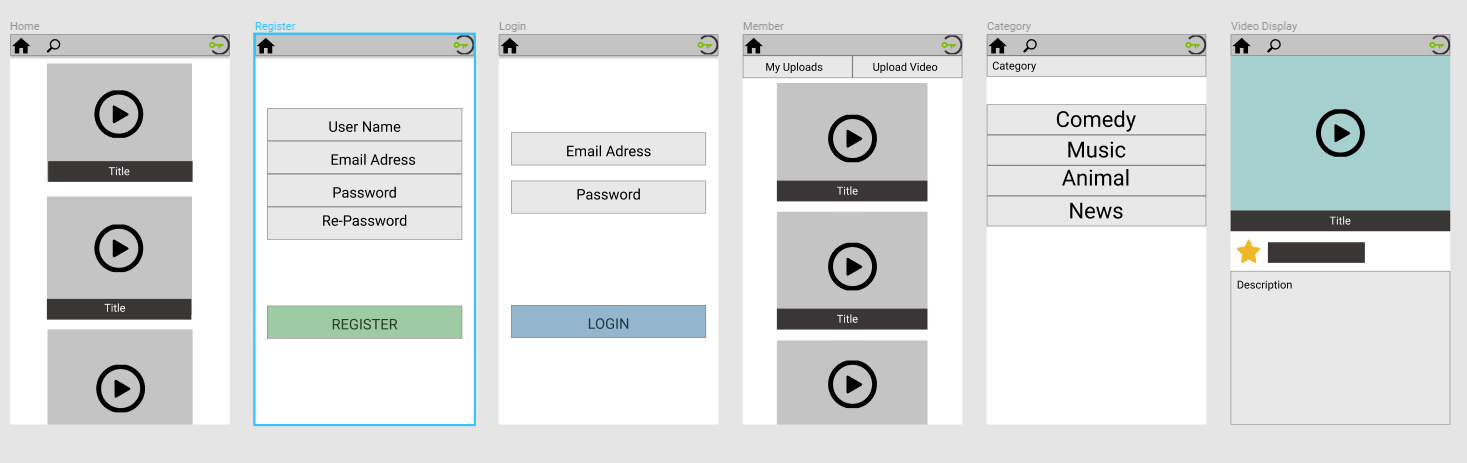
Figma rapid Prototype
Google Auth
Google Driven React App
React Lottery Balls
ES6 Constructs
Screencast of Final System
Code